https://cyberphon.link
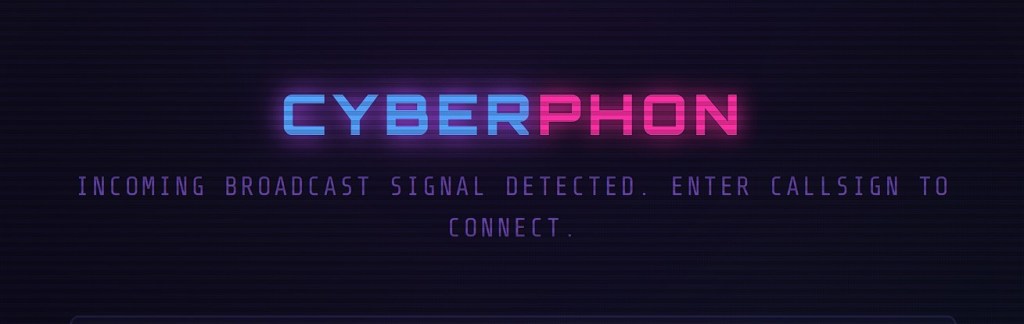
CYBERPHON // Live Streaming Platform
Cutting-edge Peer-to-Peer video telecommunications — private, encrypted, ultra-low latency



// WHAT IS CYBERPHON?
CYBERPHON is a live streaming and video telecommunications platform built entirely on open web technologies. It allows a host to broadcast live video and audio directly to a viewer with no middleman server — the stream travels directly between browsers using WebRTC peer-to-peer technology.
Inspired by the video phone terminals of Blade Runner, CYBERPHON is designed to feel like a transmission from the neon-lit future.
Live at → cyberphon.link
// SYSTEM SPECS
- Peer-to-Peer WebRTC streaming — video and audio travel directly between browsers, no media server required
- End-to-end encrypted — WebRTC encrypts all streams by default, no one in the middle can intercept
- Ultra-low latency — direct P2P connection means minimal delay
- Live two-way chat — real-time messaging between host and all viewers
- File and image sharing — drag and drop files into the chat, images display inline
- Viewer camera sharing — viewers can optionally share their own camera back to the host
- Host controls — kick and ban viewers, toggle mic/camera, switch devices live, share screen
- Resizable layout — drag the corner grip to resize the video window and chat panel to your preference
- Cyberpunk UI — dark neon aesthetic with scanline overlay, glitch animations and terminal-style typography
// ARCHITECTURE
┌─────────────────────────────────────────────────────┐│ ││ HOST BROWSER VIEWER BROWSER ││ (stream-host.html) (stream-viewer.html) ││ ││ │ │ ││ └──────┐ ┌──────────┘ ││ ▼ ▼ ││ ┌─────────────────┐ ││ │ SIGNALLING │ ││ │ SERVER │ ← Railway.app ││ │ (WebSocket) │ ││ └────────┬────────┘ ││ │ exchange SDP + ICE candidates ││ ▼ ││ ┌─────────────────┐ ││ │ WebRTC P2P │ ││ │ CONNECTION │ ← direct browser link ││ │ ESTABLISHED │ ││ └─────────────────┘ ││ ││ HTML files → GitHub Pages → Cloudflare Worker ││ cyberphon.link (clean URL, no redirect) ││ │└─────────────────────────────────────────────────────┘
// FILE STRUCTURE
streamroom/├── stream-host.html ← Host broadcast page├── stream-viewer.html ← Viewer connection page└── README.md ← This file
// HOW IT WORKS
Starting a Broadcast
- Go to cyberphon.link
- Allow camera and microphone access
- Enter your callsign
- Click ⚡ INITIATE BROADCAST
- Copy the generated access code link and share it with your viewers
Joining a Broadcast
- Open the access code link sent by the host
- Enter your callsign
- Click ⚡ CONNECT TO UPLINK
- The stream will begin automatically once the host is live
// TECHNOLOGY STACK
| Component | Technology | Host |
|---|---|---|
| Frontend pages | HTML / CSS / JavaScript | GitHub Pages |
| cyberphon.link | Porkbun | Porky |
| URL proxy | Cloudflare Worker | Cloudflare |
| Signalling server | Node.js WebSocket (PeerLink) | Railway.app |
| P2P streaming | WebRTC | Browser native |
| STUN servers | Google STUN | |
| TURN servers | OpenRelay | Relay |
// PRIVACY & SECURITY
- No accounts required — viewers join with just a callsign
- No data stored — nothing is saved to any server
- Encrypted streams — WebRTC mandates DTLS-SRTP encryption on all media
- Encrypted data channel — chat and file transfers use WebRTC data channels, also encrypted
- Private links — room IDs are randomly generated per session, no one can guess your link
- Host controls — the host can kick or ban any viewer at any time
// SUPPORT THE UPLINK
If you enjoy using CYBERPHON, consider supporting development:
// LICENSE
Copyright ©️ cyberphon.link
CYBERPHON — Transmitting from the neon-lit future since 2026
